

weareliferuiner

  • Home
  • TECH
    • APP
    • APP REVIEW
    • GADGETS
    • IOS
    • MAC
    • SMARTPHONE
  • COMMUNICATION
  • LIFESTYLE
    • BEAUTY
    • FAMILY
    • FESTIVAL
    • FITNESS
    • FOOD & DRINK
    • HEALTH
  • MONEY
  • Chocolate
  • PRODUCTIVITY
  • NEWS
  • Contact Us !
Reading: Safari Web Browser Crashing For Many – Here’s How to Fix It
Share
Aa
Aa
weareliferuinerweareliferuiner
Search
  • Home
  • TECH
    • APP
    • APP REVIEW
    • GADGETS
    • IOS
    • MAC
    • SMARTPHONE
  • COMMUNICATION
  • LIFESTYLE
    • BEAUTY
    • FAMILY
    • FESTIVAL
    • FITNESS
    • FOOD & DRINK
    • HEALTH
  • MONEY
  • Chocolate
  • PRODUCTIVITY
  • NEWS
  • Contact Us !
Have an existing account? Sign In
Follow US
© 2022 Foxiz News Network. Ruby Design Company. All Rights Reserved.
weareliferuiner > PRODUCTIVITY > Safari Web Browser Crashing For Many – Here’s How to Fix It
PRODUCTIVITY

Safari Web Browser Crashing For Many – Here’s How to Fix It

sristy
Last updated: 2016/02/02 at 3:32 PM
By sristy 2 Min Read
Share
SHARE
Safari Web Browser Crashing For Many - Here's How to Fix It

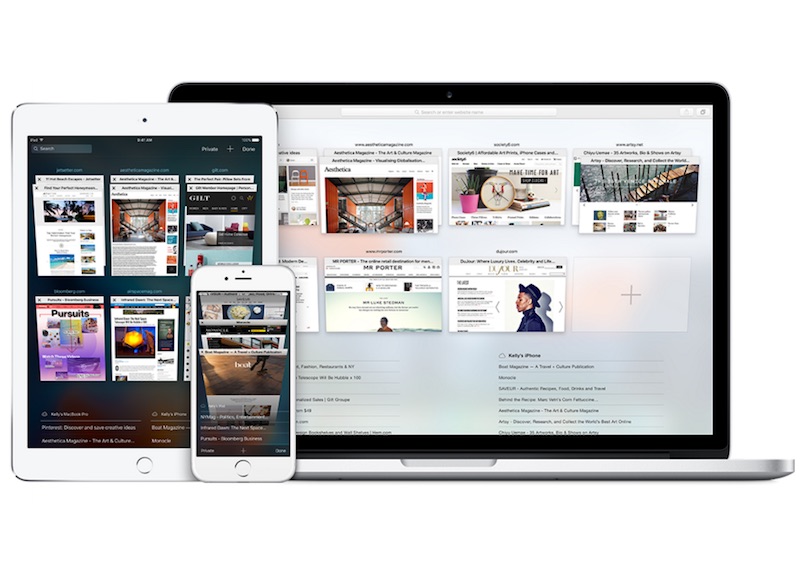
If Safari Web browser is crashing on your iPhone, iPad, or Macintosh computer, you’re certainly not alone. A bug in Safari is affecting several people worldwide, either by slowing down the Web browser or completely crashing it.

Several users are reporting issues when opening tabs, and when trying to type in a new address. Clicking on the address bar freezes the computer, many note. Steven Troughton-Smith, an iOSdeveloper says the bug is related to Safari’s search suggestions.

Apple is yet to acknowledge the issue (the status page on the Website reports no issues), let alone give the reason behind this weird problem or provide a patch for it just yet. In the meantime, you can try the following workarounds to avoid the issue.

Mac users can fix the issue by following the below steps: Open Safari, and go to Preferences. Go toSearch tab, and deselect Include Search Engine Selections Restart Safari.

iOS users can circumvent the issue by complying to the following steps: Go to Settings app, scroll down and find Safari. Turn off the Safari Suggestions

This should stop Safari from crashing.

Alternatively, you can also try surfing the Web on the incognito mode. You can do so by going to File, and opening a New Private Window on your Mac or tapping on the rightmost button in the bottom strip Safari on iOS to see the tab switcher and then tapping on Private.

[“source-gadgets”]

TAGGED: Crashing For Many, Here's How to Fix It, Safari Web Browser
sristy February 2, 2016
Previous Article This Uber Rival Just Raised $3 Billion in Funding
Next Article Microsoft’s New App Serves News to iPhone Users

Latest News

What Is Money? Definition & History
MONEY
Technological Gadgets Names in English with their Pictures
GADGETS
Perfect Occasions for Gifting Kosher Chocolate
Chocolate
Milk, Dark, or White Chocolate: What’s the Real Difference?
Chocolate
How to start your fitness journey
FITNESS
A smartphone is a handheld electronic device that merges the functions
SMARTPHONE
UK Food & Drink Expo 2026: How Brands Can Prepare for Post-Event Demand
FOOD & DRINK
Troubleshooting Chocolate Tempering: Tips to Get It Right Every Time
Chocolate

Removed from reading list

Undo

Lost your password?