


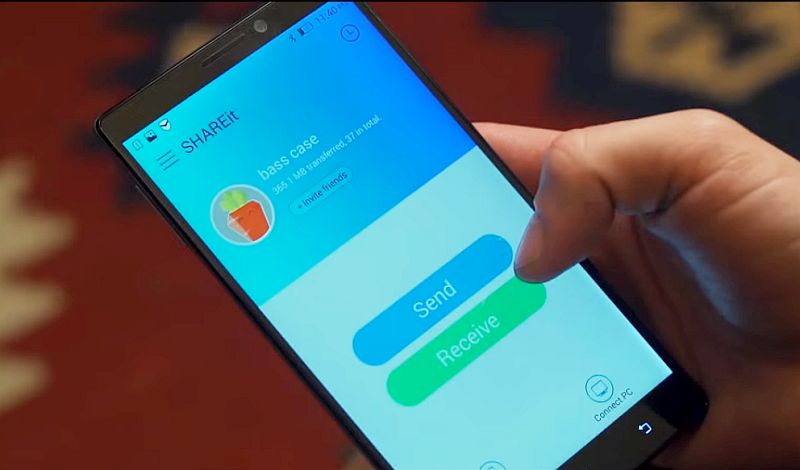
 It seems there is no end to security issues related to devices and software from Lenovo. The latest in the series has been reported to be affecting Lenovo’s SHAREit app that comes bundled with devices running Android as well as Windows.
The free app from Lenovo allows people to share files and folder cross-platform sharing for phones, desktops, and tablets. The vulnerability was first discovered by Ivan Huertas from Core Security Consulting Team. The Chinese company has now released an updated version of its SHAREit app for Windows as well as Android which fixes the reported issue. The updated SHAREit app can be downloaded from here. Android users can head to Google Play to download the update.
The SHAREit app on both Android and Windows was prone to multiple vulnerabilities which could allow an attacker to leak information or bypass security, according to Core Security. The biggest issue of the free app from Lenovo was its hard-coded password of “12345678” which could be easily bypassed by any attacker.
Core Security team explains that when Lenovo SHAREit for Windows app is configured to receive files, a Wi-Fi hotspot is set with a hard-coded password (“12345678”). Considering that the password could not be changed, any system with a Wi-Fi network card could connect to the Hotspot by using the password.
“When the Wi-Fi network is on and connected with the default password (12345678), the files can be browsed but not downloaded by performing an HTTP Request to the WebServer launched by Lenovo SHAREit,” adds the team.
The transfer of files was done via HTTP and is without encryption which makes it easy for an attacker to sniff the network traffic to view the data transferred or modify the content of the transferred files, the report.
With the update, Lenovo has added a new “Secure Mode” to its SHAREit app that can be enabled by users when they want to connect to another user securely. The feature will require the user to enter a password which then tells SHAREit to encrypt the transmission between users and devices.
[“source-gadgets”]